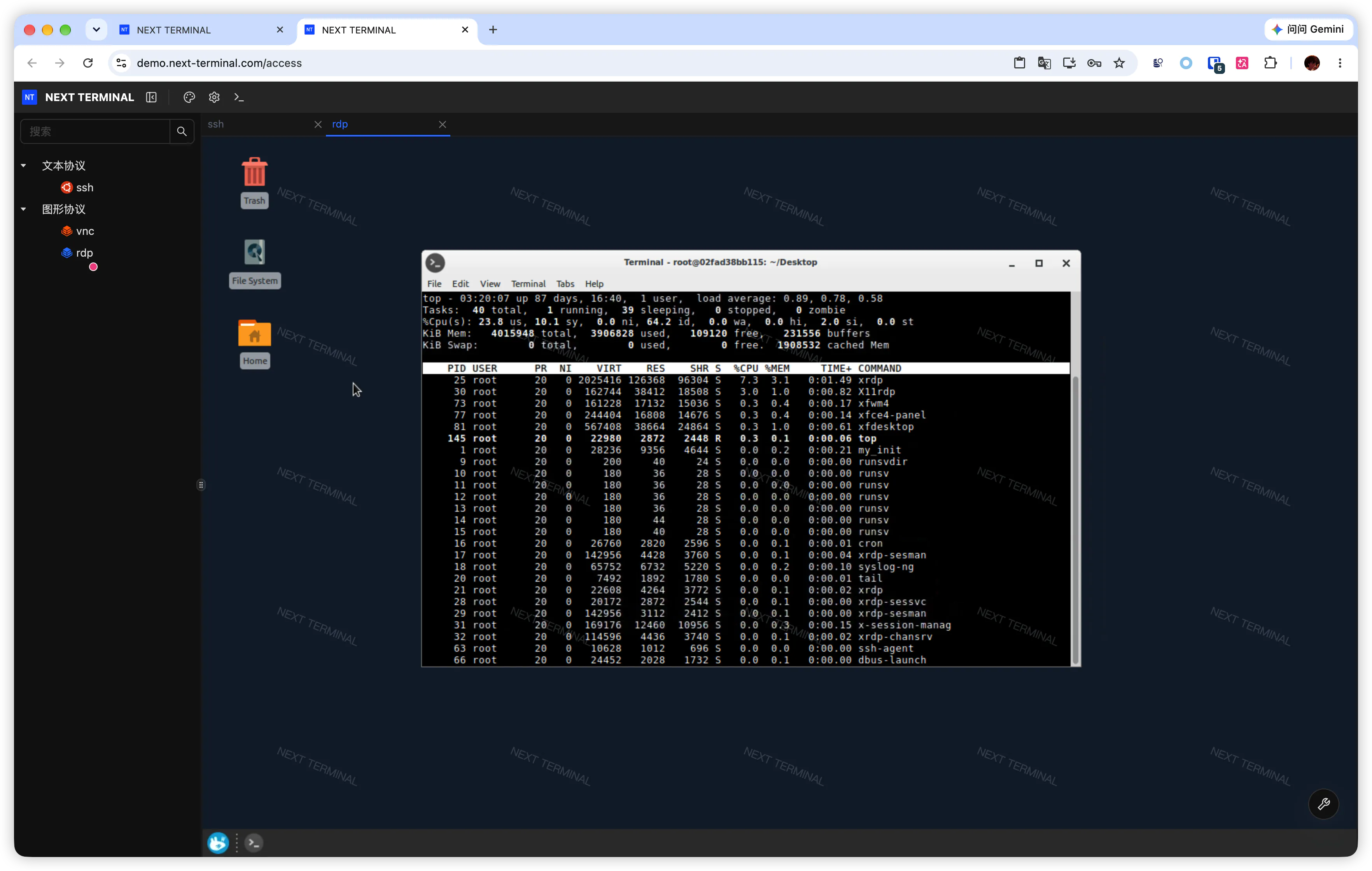
Secure access · accountable operations

Open Source Bastion Host for Secure Remote Access

Next Terminal is an open source bastion host and lightweight jump server for SMB teams — unified SSH/RDP/VNC/SFTP/Telnet/HTTP access from the browser, with session and command audit and replay. Self-hosted JumpServer/Teleport alternative.

SSH / SFTPRDPVNCTelnetHTTPDatabase
Next Terminal capability map: multi-protocol access, zero-trust security, gateway and client access, and smart operations
Unified entryOne place to reach servers and intranet apps
Fine-grained authorizationPermissions by user, group, and asset
End-to-end auditingSessions, commands, and file operations traced
Self-hostedDeploy containers on your own infrastructure

From bastion host entry to a closed audit loop

Not just remote protocols in a browser: identity, authorization, connectivity, and auditing connected into one manageable bastion host path.

01

Multi-protocol access

Reach SSH, RDP, VNC, Telnet, and HTTP assets from the web UI, and manage files over SFTP.

03

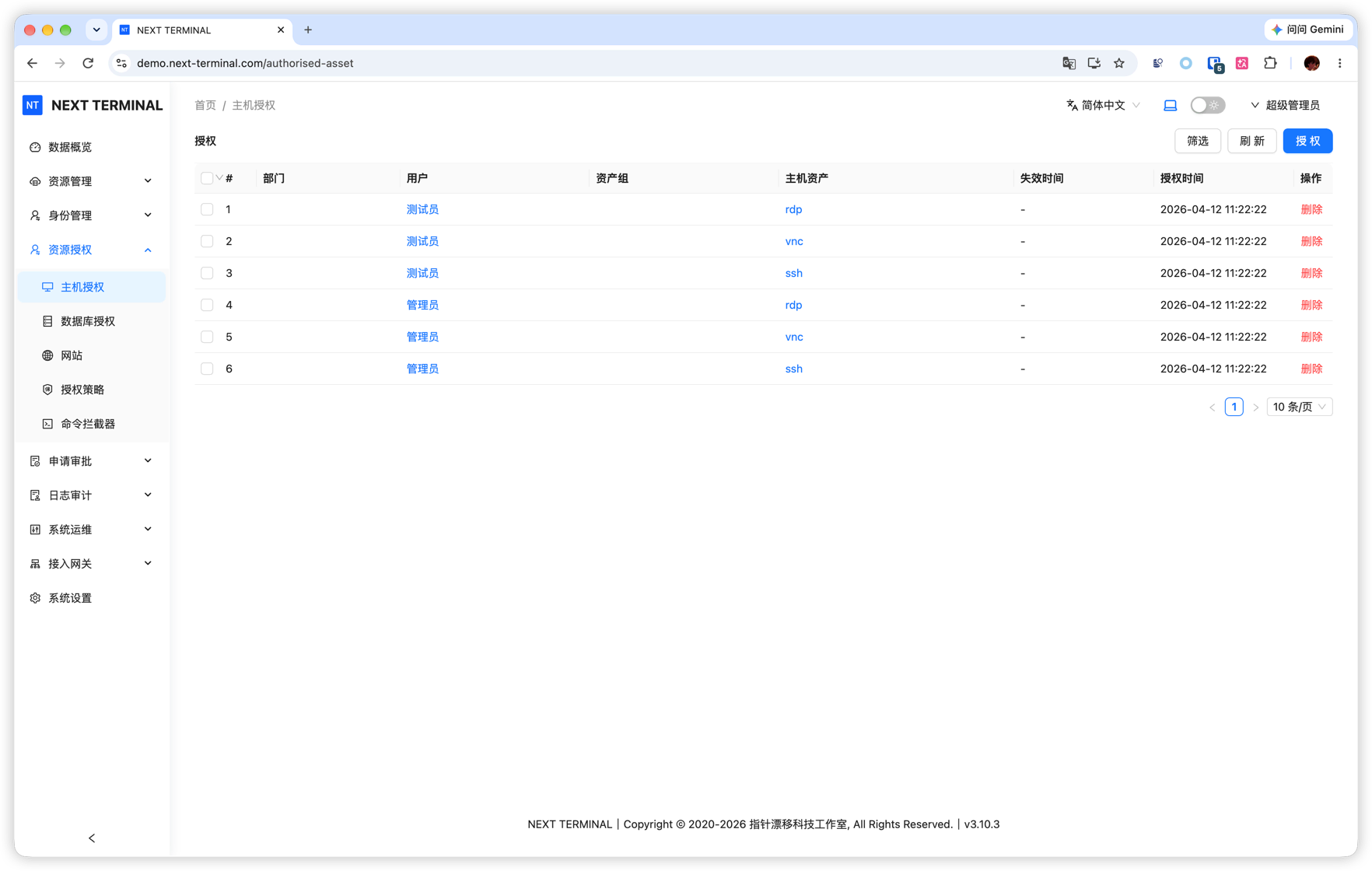
Permissions and policies

Authorize by user, group, and asset, and constrain access time, source, and sessions with sign-in policies.

04

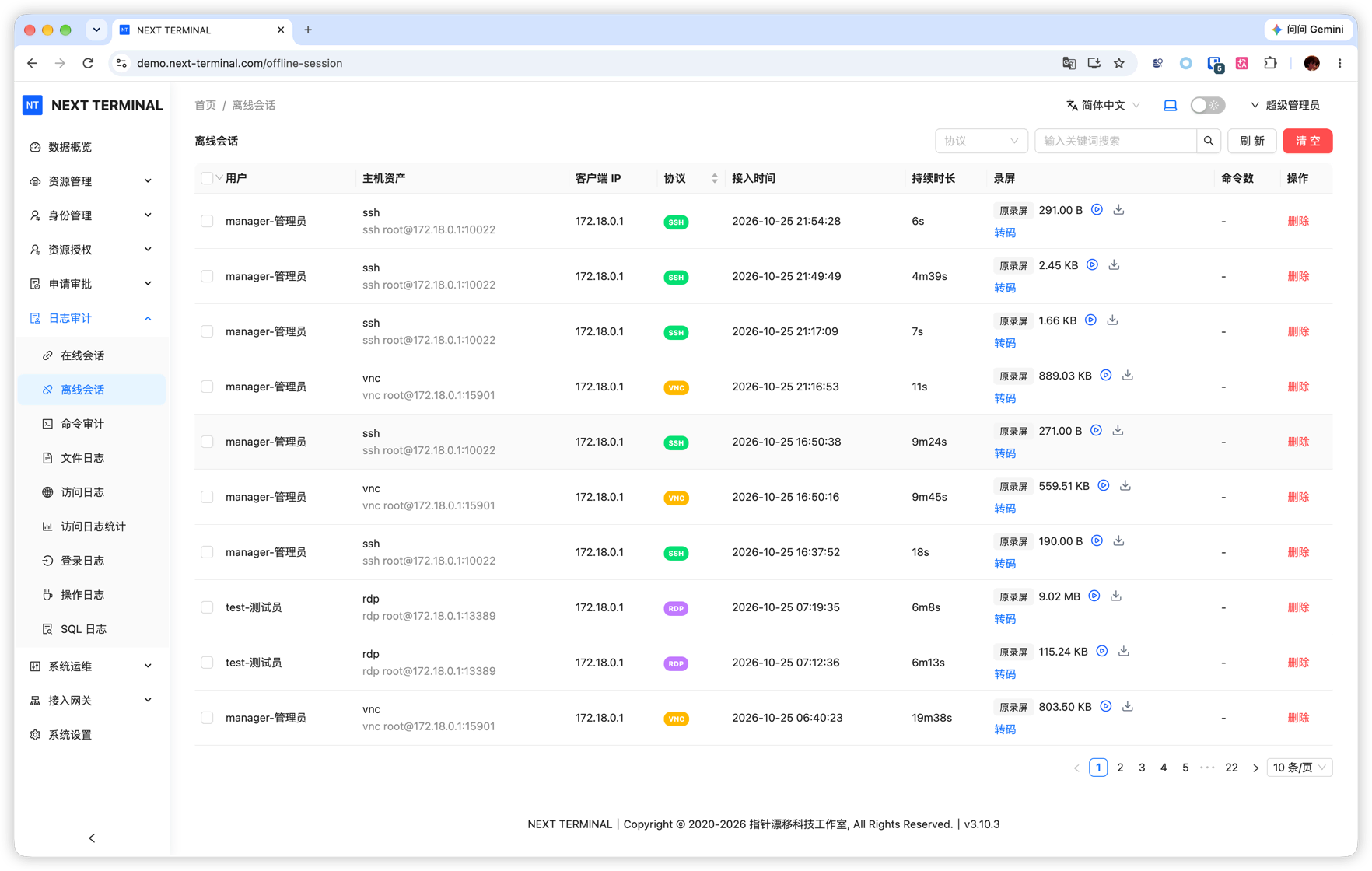
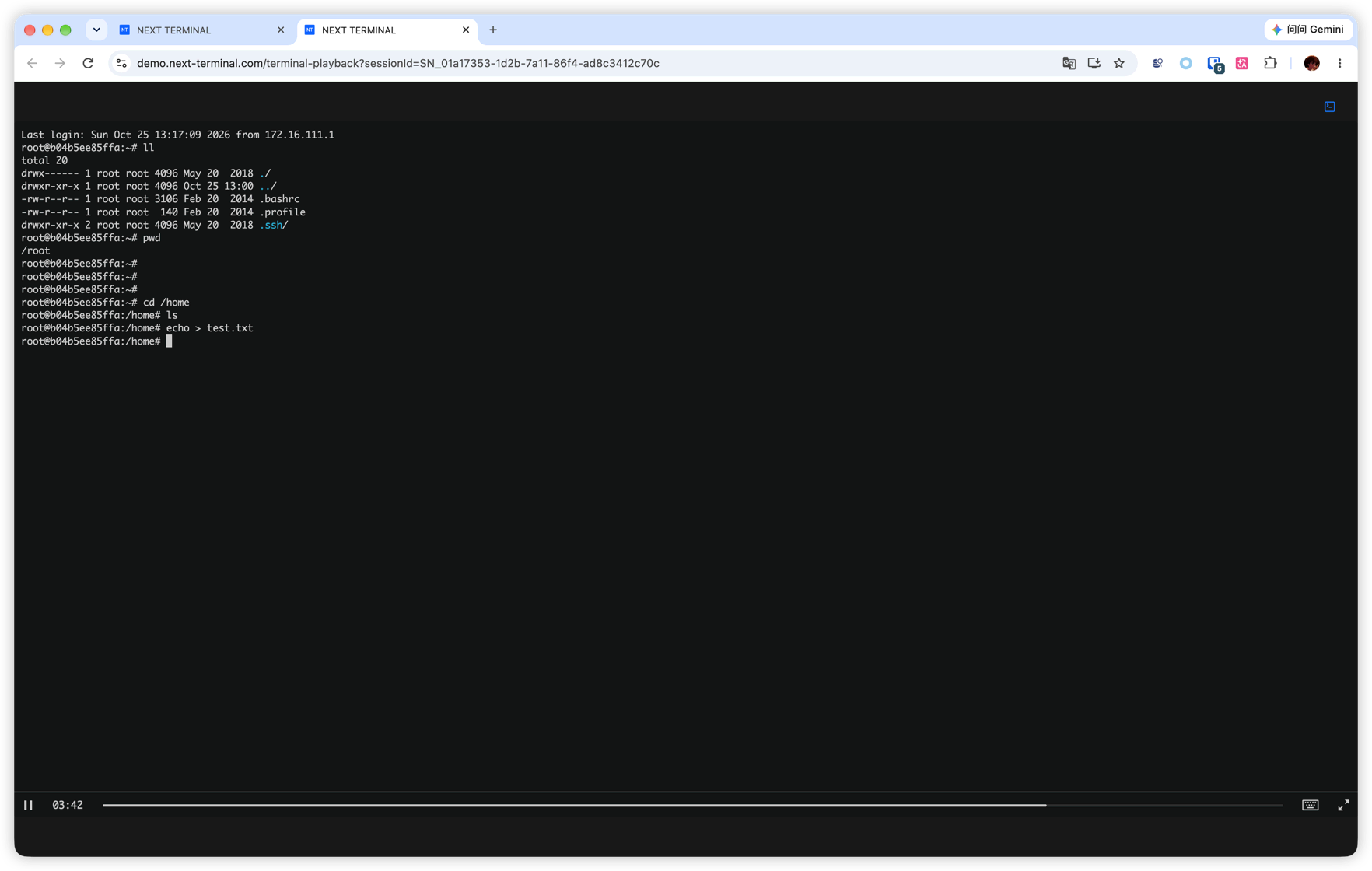
Session audit and replay

Record text and graphical sessions with live monitoring and history replay for troubleshooting context.

05

Risky command interception

Configure command rules for SSH sessions to intercept high-risk operations before they run.

Set up a unified operations entry in three steps

Start with a working deployment, then onboard assets, members, and stricter access policies.

Deploy Next Terminal

Follow the system requirements, start the service with Docker Compose, and initialize the administrator.

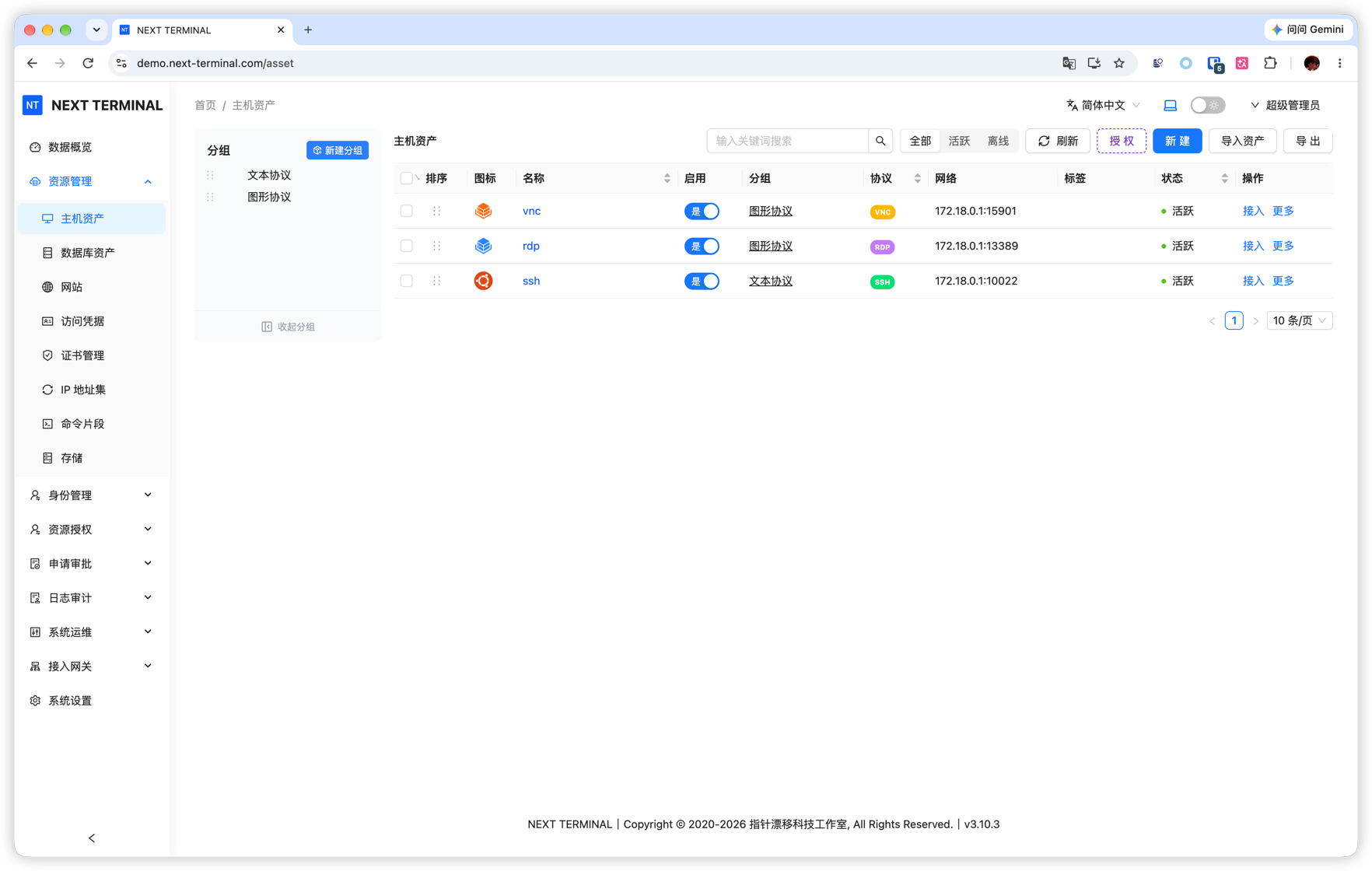
Register assets and credentials

Add servers, desktops, and web assets, then organize asset groups and credentials by purpose.

Grant access and enable auditing

Assign asset permissions to members and configure authentication, session, and command policies by risk.

Deploy on your own infrastructure

One container next to the database and storage you already run — no agent fleet, no heavyweight middleware.

Deployment options

  • Docker Compose single-container deployment
  • Your own PostgreSQL and recording storage
  • Offline deployment for intranet-only environments
  • Primary-standby high availability deployment

Resource footprint

  • From 1 vCPU / 512 MB for small teams
  • 2 vCPU / 2 GB covers 25 concurrent sessions
  • Ports 8088 (web), 2022 (SSH), 80/443 (web assets)
  • Reverse proxy and real client IP configuration

Security and access control

Identity, authorization, connectivity, and audit records stay inside your own environment.

Identity and strong authentication

  • Passkey and TOTP two-factor sign-in
  • LDAP and OIDC directory sign-in
  • WeCom sign-in
  • HTTPS mutual TLS with client certificates

Access control

  • Authorization by user, department, role, and asset
  • Sign-in policies for time window and source address
  • Command filtering and risky command interception
  • Auto-disconnect for idle access sessions

Audit and traceability

  • Session recording with history replay
  • Operation, login, file, and SQL audit logs
  • Access watermark on remote sessions
  • Offline session records

Data stays yours

  • Assets, credentials, and recordings never leave your network
  • Offline license activation
  • Database and recording storage you control

Live Demo

Try the full workflow of asset onboarding, session auditing, and license management with the demo accounts. No sign-up required.

Frequently asked questions

Open source scope, the free edition, and deployment boundaries.

Is Next Terminal open source?

The web front end is open source under Apache-2.0 in the GitHub repository. Since v2.0.0 the server side is no longer open source; releases up to v1.3.9 stay Apache-2.0. The free edition is self-hosted and covers 100 assets.

What does the free edition include?

Unlimited users and 100 assets with the core capabilities: multi-protocol access, authorization, auditing and recording, command interception, and Passkey/TOTP sign-in. Paid licenses raise the asset quota and unlock enterprise identity, gateways, and advanced auditing.

Can Next Terminal run fully offline?

Yes. Deploy the container on an intranet host and point it at your own PostgreSQL and recording storage — connection data never leaves your environment, and licenses can be activated offline.

How is Next Terminal different from JumpServer?

Both cover SSH/RDP/VNC/HTTP access with authorization and auditing. Next Terminal keeps the footprint small: a single container that starts at 1 vCPU / 512 MB, so a small team can self-host it without maintaining a separate gateway, proxy, and worker fleet.