 Next Terminal
01
Multi-protocol access
Reach SSH, RDP, VNC, Telnet, and HTTP assets from the web UI, and manage files over SFTP.
Next Terminal is an open source bastion host and lightweight jump server for SMB teams — unified SSH/RDP/VNC/SFTP/Telnet/HTTP access from the browser, with session and command audit and replay. Self-hosted JumpServer/Teleport alternative.

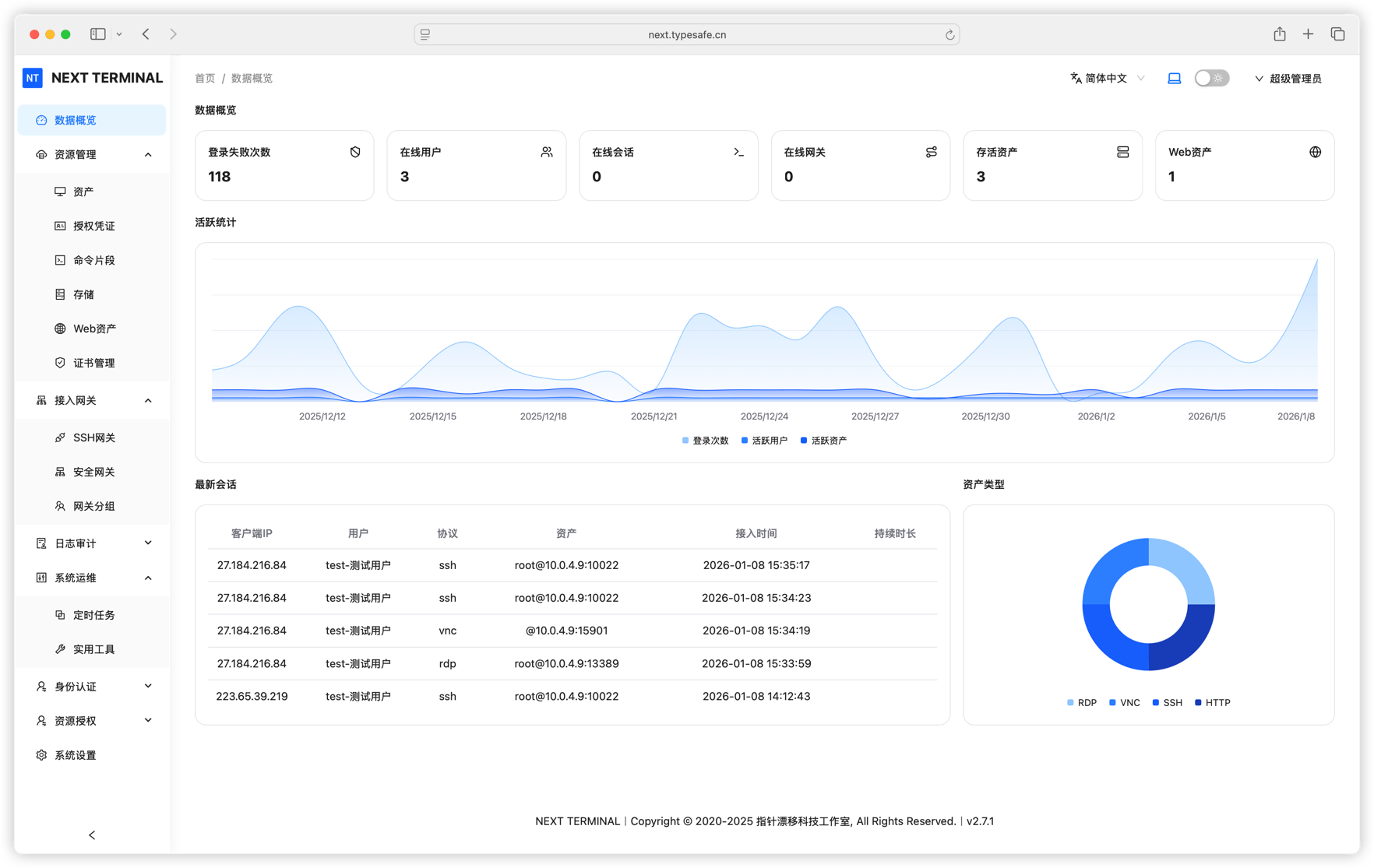
Not just remote protocols in a browser: identity, authorization, connectivity, and auditing connected into one manageable bastion host path.
Reach SSH, RDP, VNC, Telnet, and HTTP assets from the web UI, and manage files over SFTP.
Maintain assets, credentials, and asset groups centrally instead of scattering keys on personal devices.
Read the asset management docs →Authorize by user, group, and asset, and constrain access time, source, and sessions with sign-in policies.
Record text and graphical sessions with live monitoring and history replay for troubleshooting context.
Configure command rules for SSH sessions to intercept high-risk operations before they run.
Passkey, TOTP, LDAP, and OIDC bring remote access into your existing identity system.
Read the authentication docs →Start with a working deployment, then onboard assets, members, and stricter access policies.
Follow the system requirements, start the service with Docker Compose, and initialize the administrator.
Add servers, desktops, and web assets, then organize asset groups and credentials by purpose.
Assign asset permissions to members and configure authentication, session, and command policies by risk.
Try the full workflow of asset onboarding, session auditing, and license management with the demo accounts. No sign-up required.
manager / manager test / test